

Give ops database answers without giving them SQL access
No SQL, no credentials, no admin login — only the tools their role allows.
It is Wednesday afternoon and the warehouse lead wants to know which orders have been sitting in packing for more than two days. The answer is in the database. Today she gets it by asking a developer and waiting, or by opening the admin panel and filtering three screens deep.
The usual fix is to give ops read access to the database: a SQL client, a read-only login, a saved query or two. It works until the first unbounded query on a large table at the busiest hour, or the first password pasted into a shared document.
There is a narrower option.
What ops actually get
Ops get an agent connected to the database, and a chat box. They ask in their own words and get an answer, without seeing SQL, a hostname or a password.
A question from the warehouse
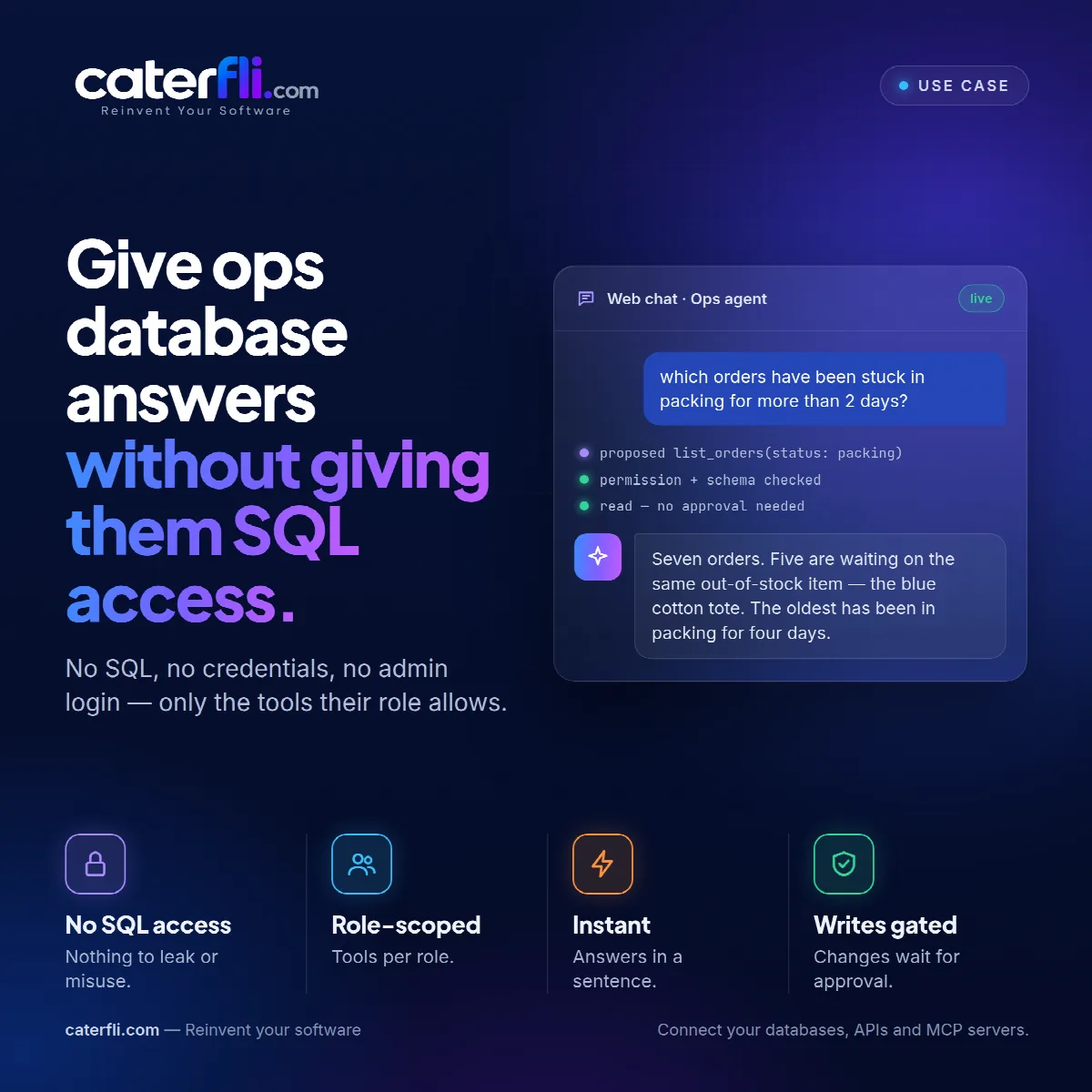
The warehouse lead asks in her own words:
Which orders have been stuck in packing for more than two days?
The agent proposes list_orders with a status filter of packing. The platform checks the arguments against the tool's schema, checks her permission, and — since this is a read — runs it without asking anyone. An example answer:
Seven orders. Five are waiting on the same out-of-stock item — the blue cotton tote. The oldest has been in packing for four days.
She never sees SQL, a hostname or a password. Neither does the model. It names a tool, and the platform makes the call, with credentials decrypted inside the connector at that moment.
Why this is safer than a read-only login
Because nobody is handed SQL or a credential. The agent can only call tools built for the tables you chose, and every read is bounded by row caps and a timeout.
Four differences from a shared login
There is no SQL to misuse. Discovery writes a list and a count tool for each visible table, with the real column list baked into each tool's schema, so the agent can only filter and sort on columns that exist. Ad-hoc SQL is a separate tool, and it is off by default.
There is nothing to leak. No credential is handed to a person or a model, so there is none to paste into a document or reuse from a laptop.
Reach is chosen, not inherited. A table allow-list decides which tables are visible at all. Row filters can narrow that to which rows — orders.status in paid,shipped, say — and an agent's own filters can narrow the scope further but never widen it.
Reads are bounded. Row caps, a payload-size budget and a statement timeout set at the database apply to every call, so a broad question cannot turn into a runaway query on production.
Writes are a different permission
Reading and changing sit on either side of a line. A read needs chat.use, which the member role has. Anything that changes data needs tool.execute, which starts at manager. So the warehouse lead can ask what is stuck, and be refused if she asks the agent to mark those orders as shipped — unless she holds that permission.
For people who do, writes are still off until the connection enables them, and the risky ones wait for a person: destructive tools stop for approval, and so does a change expected to touch more than ten rows. Owners, admins and managers decide. Per-person permissions explains how roles, grants and denials combine.
Same agent, wherever they ask
If ops would rather ask in Slack than in a browser tab, the same agent sits behind the channel. A channel is a door, not a different set of rules. A Slack user linked to their workspace account is checked against that person's permissions, exactly as in the web panel.
Getting started is the ordinary path: connect PostgreSQL or MySQL with a dedicated account, review the generated agent, and deploy it. If ops only ever need to read, make that database account read-only. The platform's limits are a second line of defence; the first should be a credential that cannot do the damage.
Answers and access were never the same request. It is worth granting them separately.
0 comments
Sign in to join the discussion.