

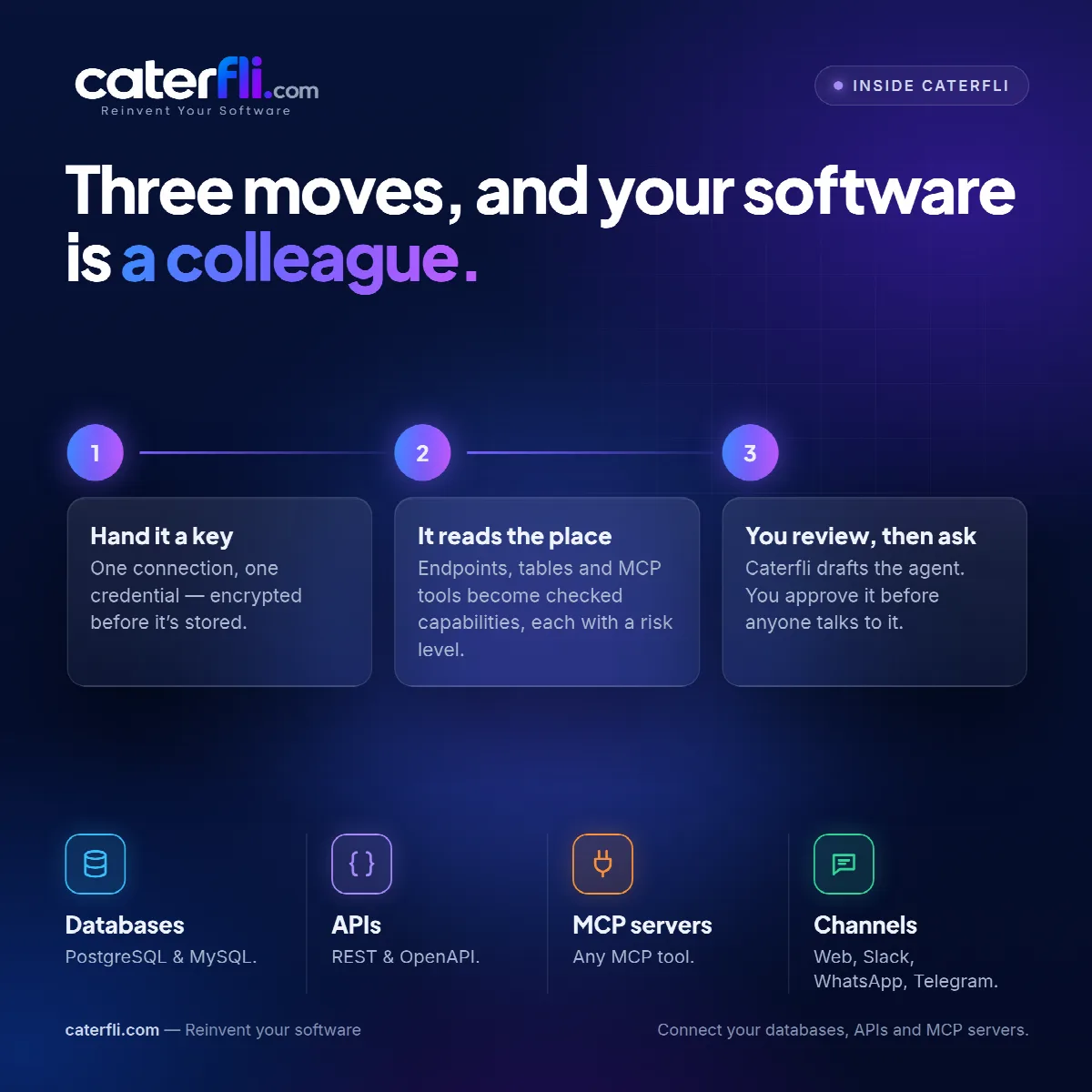
Three moves, and your software is a colleague
Hand it a key, let it read the place, then review the agent before anyone talks to it. That is the whole setup.
Most integration projects begin with a requirements document. This one begins with a credential, and the requirements are worked out by reading the system itself.
There are three moves. Each exists for a reason, and the third is the one people are tempted to skip.
1. Hand it a key
One connection, one credential. For PostgreSQL or MySQL that is a host, a database name, a username and a password. For a REST or OpenAPI service it is a base URL and whatever authentication the API uses: an API key, a bearer token, basic, or OAuth2 client credentials. For an MCP server it is a URL and, if the server wants one, a token.
The secret is encrypted before it is stored, with a key of its own that is itself encrypted with a master key. It is decrypted only inside the connector, at the moment a call is made, and never placed in a prompt, a log or a trace.
Make an account for this and give it the least it needs. Caterfli's own checks are a second line of defence, not a substitute for database permissions. If the account cannot write, nothing on the platform can write, whatever an agent proposes. A new database connection is read-only anyway until you turn writes on.
2. It reads the place
Discovery reads what the software can do and turns each capability into a tool with a name, a description and a schema for its arguments.
- Databases — every visible table gets a list tool and a count tool, with the real column list baked into the argument schema, so an agent can only filter and sort on columns that exist.
- OpenAPI — one tool per operation, with arguments taken from the specification.
- MCP servers — every tool the server exposes, with the schemas it declares.
Each tool gets a risk level — read, write or destructive — and that level is a floor. You can make a tool stricter. You cannot mark a delete as a read.
MCP needs one extra step of judgement. The protocol describes what a tool takes, not how dangerous it is, so Caterfli infers that from the tool's name and any hints the server gives, and leans towards caution. Expect a few tools marked riskier than they are. A tool misjudged in the safe direction stops for a person; misjudged the other way, it would not.
3. You review, then ask
From what discovery found, Caterfli drafts an agent: a name, a purpose, instructions describing the system and its resources, and every discovered tool with an enabled flag and an approval flag. Destructive tools arrive enabled but gated. Leaving deletion out produces an agent that cannot do its job, and people work around it by deleting by hand, with no record. Leaving it ungated would be reckless.
The draft is yours to change. Untick what this agent should not touch, add approval to anything you want a person to see first, and try it in the test panel, where every proposed call and its arguments are shown. Fewer tools is usually better: a model choosing between four relevant tools behaves more predictably than one choosing between forty.
Then deploy. Web chat only offers deployed agents, so an unfinished draft is not something your team stumbles into. From there the same agent can be reached from Slack, WhatsApp or Telegram — different doors, same checks.
What you did not do
You did not write an integration, migrate any records or design a screen. The system you connected is unchanged, and on a database, schema changes are refused outright.
The setup is three moves. The reviewing is not a one-off, and it is meant to keep happening — here is why the model never gets the final say.
0 comments
Sign in to join the discussion.