

You already paid for the software. You’re just not using half of it.
Your systems can do far more than the screens built on top of them expose. Caterfli reads your database or API, works out what it can do, and hands it back as a colleague your team can talk to.
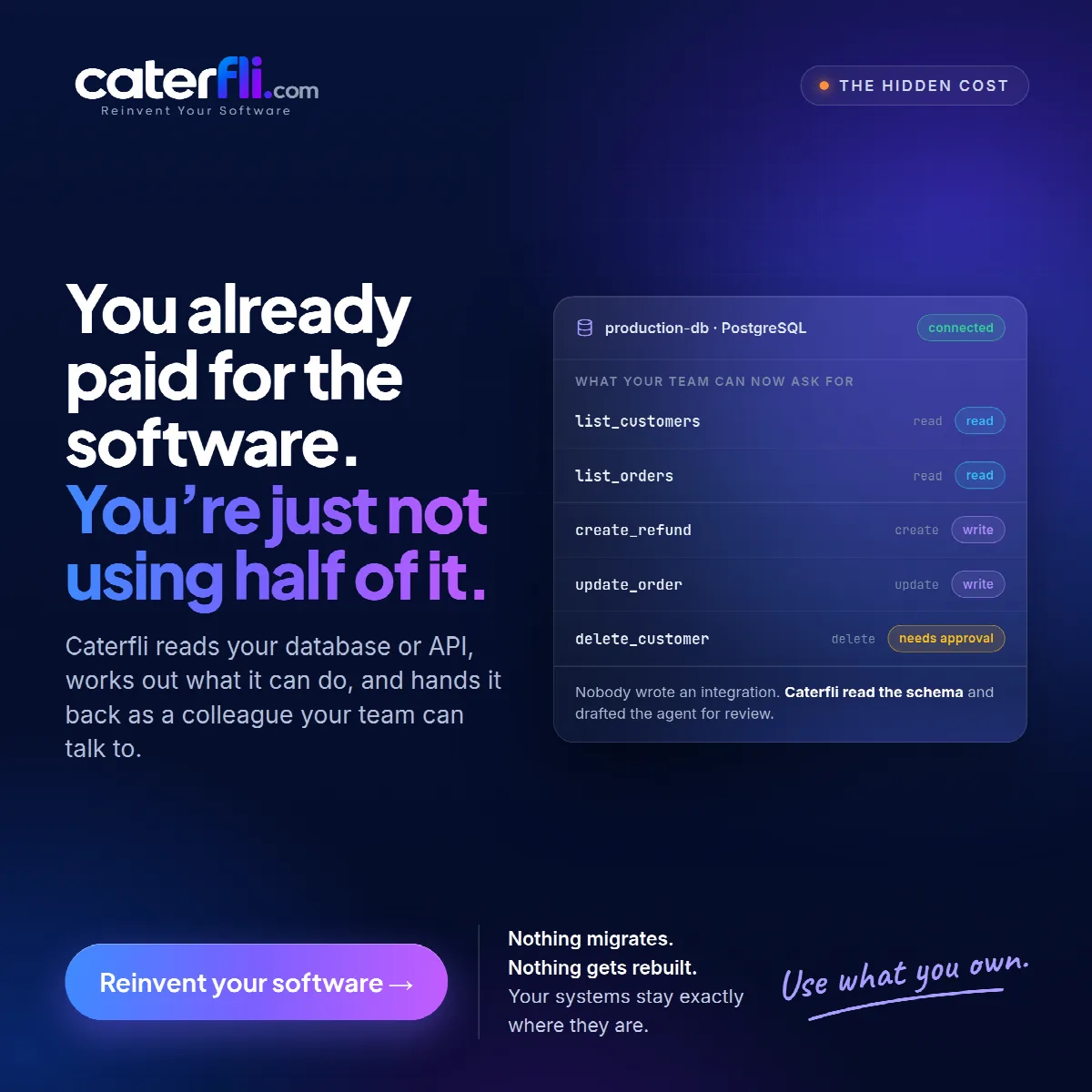
Count the tables in your production database. Then count the screens in your admin panel. The first number is usually the larger one. The same is true of most APIs: dozens or hundreds of operations, of which the front end calls a handful.
That gap is software you already paid for — in licences, in development time, in years of careful data entry — and cannot use, because nobody built a screen for it.
Screens are the bottleneck, not the system
Every admin panel is a set of decisions about which questions deserve a page. Those decisions were made once, by whoever built it, with the budget they had. Everything else the system can do is still there. It is just only reachable by someone who can write a query or read an API reference.
The usual fix is to build another screen. That works for the one question it answers and leaves the rest of the gap exactly where it was.
Let the system describe itself
Caterfli takes the opposite approach. Rather than you deciding what to expose and building it, it reads what your software can already do and hands that back as tools an agent can call.
- A PostgreSQL or MySQL database — tables, columns, types and foreign keys are read directly. Every visible table gets a list tool and a count tool, and create, update and delete tools once you allow writes.
- An API with an OpenAPI document — one tool per operation, with arguments taken from the specification.
- An MCP server — every tool it exposes, with the schemas it declares.
Connect a production PostgreSQL database with writes allowed and the list of what your team can now ask for might begin like this:
| Tool | Operation | Risk |
|---|---|---|
list_customers |
read | read |
list_orders |
read | read |
create_refunds |
create | write |
update_orders |
update | write |
delete_customers |
delete | needs approval |
Nobody wrote an integration for any of it. Caterfli read the schema and drafted an agent for you to review.
Risk comes with the tool
Each tool arrives with a risk level taken from what it does, and that level is a floor. Reads change nothing and run without ceremony. Creates and updates are writes. Deletes are critical and stop for a person by default. You can make any tool stricter than its floor — add approval to an update, turn a tool off entirely. You cannot make a delete into a read.
The delete is still there, enabled but gated, rather than quietly left out. That is deliberate. An agent that cannot delete does not stop deletions happening; it pushes them back to someone doing it by hand, with no record. Gating keeps the capability and puts a person, and a trace, in front of it.
Nothing migrates
None of this moves your data or changes how your systems work. The database stays where it is, on the same server, with the same backups. Your admin panel keeps working. On a database, Caterfli refuses schema changes outright, and a new connection is read-only until you decide otherwise.
What changes is who can use what you already own. Support can ask about orders. Ops can ask what is stuck. The owner can ask how the week went. The data was always there. Here is how to connect the first database if you want to see how much of it.
0 comments
Sign in to join the discussion.