

Ask your store “How many orders today?” from Slack
Same agent, same checks — just a different door. No dashboard to open.
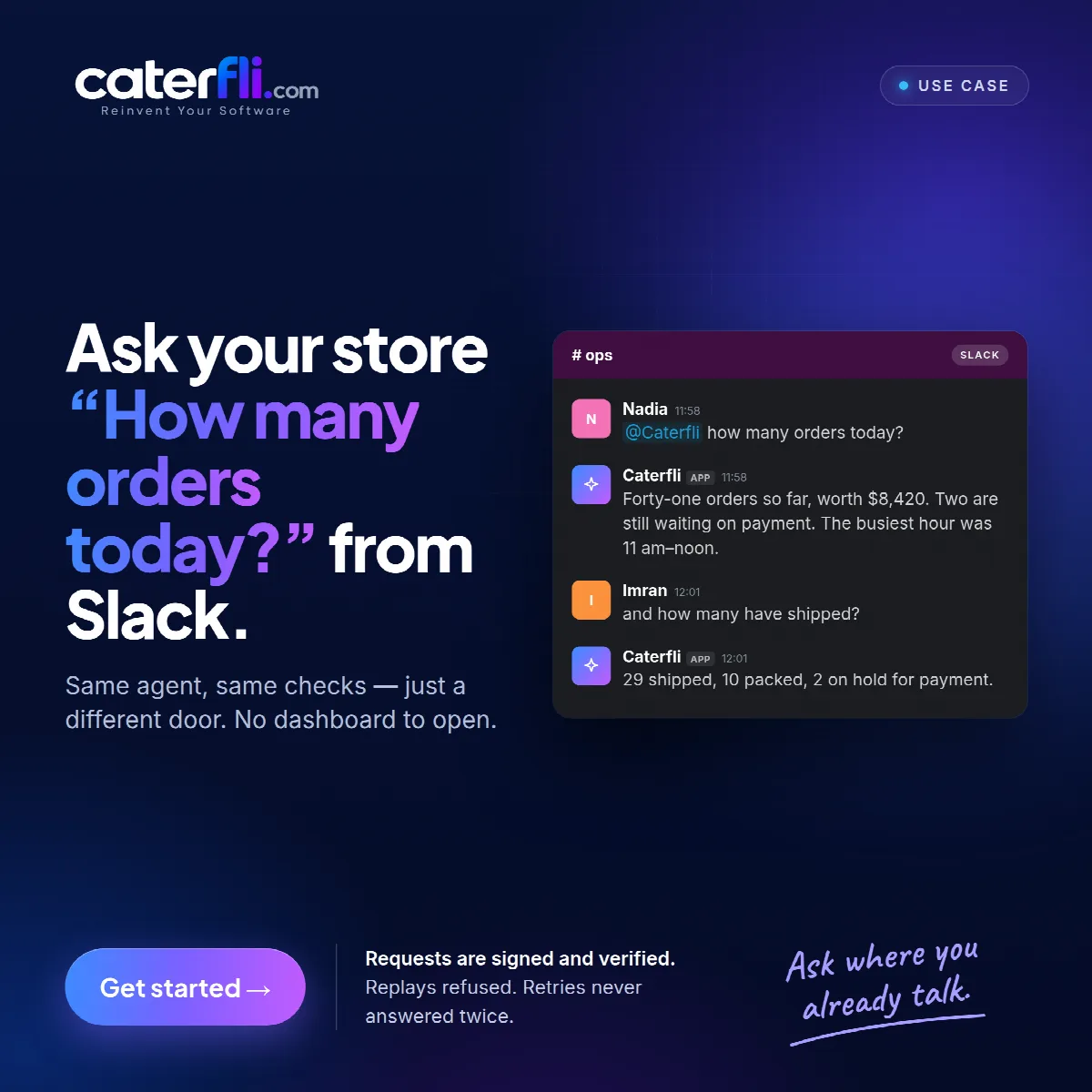
It is just before noon in #ops. Nadia types @Caterfli how many orders today? and goes back to what she was doing. A reply lands in the thread:
Forty-one orders so far, worth $8,420. Two are still waiting on payment. The busiest hour was 11 am–noon.
Imran asks the obvious next question in the same thread — "and how many have shipped?" — and gets "29 shipped, 10 packed, 2 on hold for payment." A Slack thread is one conversation, so the follow-up does not need repeating. Nobody opened a dashboard. Nobody asked a developer.
Same agent, different door
Connecting Slack does not create a second agent with its own rules. A message from Slack goes to the same runtime as web chat, through the same tool registry, the same policy engine and the same approval gate. A destructive request from #ops stops for approval exactly as it would in the browser.
The Slack driver only translates messages in and replies out. It never decides whether something may run.
Setting it up
Slack needs two secrets and one manual step, because Slack has no API for setting its own event URL.
- Create a Slack app, install it to your workspace, and copy the Bot user OAuth token (it starts with
xoxb-) and the Signing secret from Basic Information. They are different things: the token lets Caterfli post, the secret proves a request came from Slack. - Add the channel in Caterfli. It shows you a Request URL.
- Paste that into Event Subscriptions in your Slack app and subscribe to
message.channelsandapp_mention. Slack posts a challenge to confirm you own the URL; Caterfli answers it automatically. - Add people to the allowed senders, by Slack member id — the one that starts with
U, from "Copy member ID" on their profile.
That last step is not optional. The allow-list starts empty, and empty means nobody. A bot you have just connected receives messages and answers none of them until you add someone, so a leaked token does not expose your data to whoever found it. Ids are used rather than display names, because a display name can be changed to somebody else's.
Who the agent acts as
On the channel page you can bind a member id to that person's workspace account. A bound sender's messages run as that account, with the same permissions as in web chat. Binding someone to a member account, which can read but not run changes, is how you make their Slack conversations read-only. You can also require that only bound senders get an answer.
Two more settings narrow what the channel can reach: which of the agent's tools are reachable through this door, and which fields are hidden from what those tools return here. A channel everyone can read is a good place to leave out an email or salary column.
Signed, verified, answered once
Slack signs every request with your signing secret. Caterfli checks the signature over the raw request body before doing anything else, and refuses one whose timestamp is more than five minutes old, so a captured request cannot be replayed later.
Slack also retries a delivery it has not had an answer to within three seconds, and an agent taking a proper look at your data routinely takes longer. A retried delivery is dropped rather than answered again. You get one answer, a little after Slack expected it, rather than three — which matters most when the request wrote something. The bot also ignores its own posts and the edits and joins Slack sends down the same pipe, so a reply cannot trigger another reply.
The Slack integration page has the details. The short version: the store was always able to answer. Now it can be asked where people already are.
0 comments
Sign in to join the discussion.