

Approve refunds from WhatsApp in 10 seconds. Safely.
A refund pauses for approval in the chat it came from. Reply with your PIN, Caterfli re-checks your permission — and the approval covers that one call only.
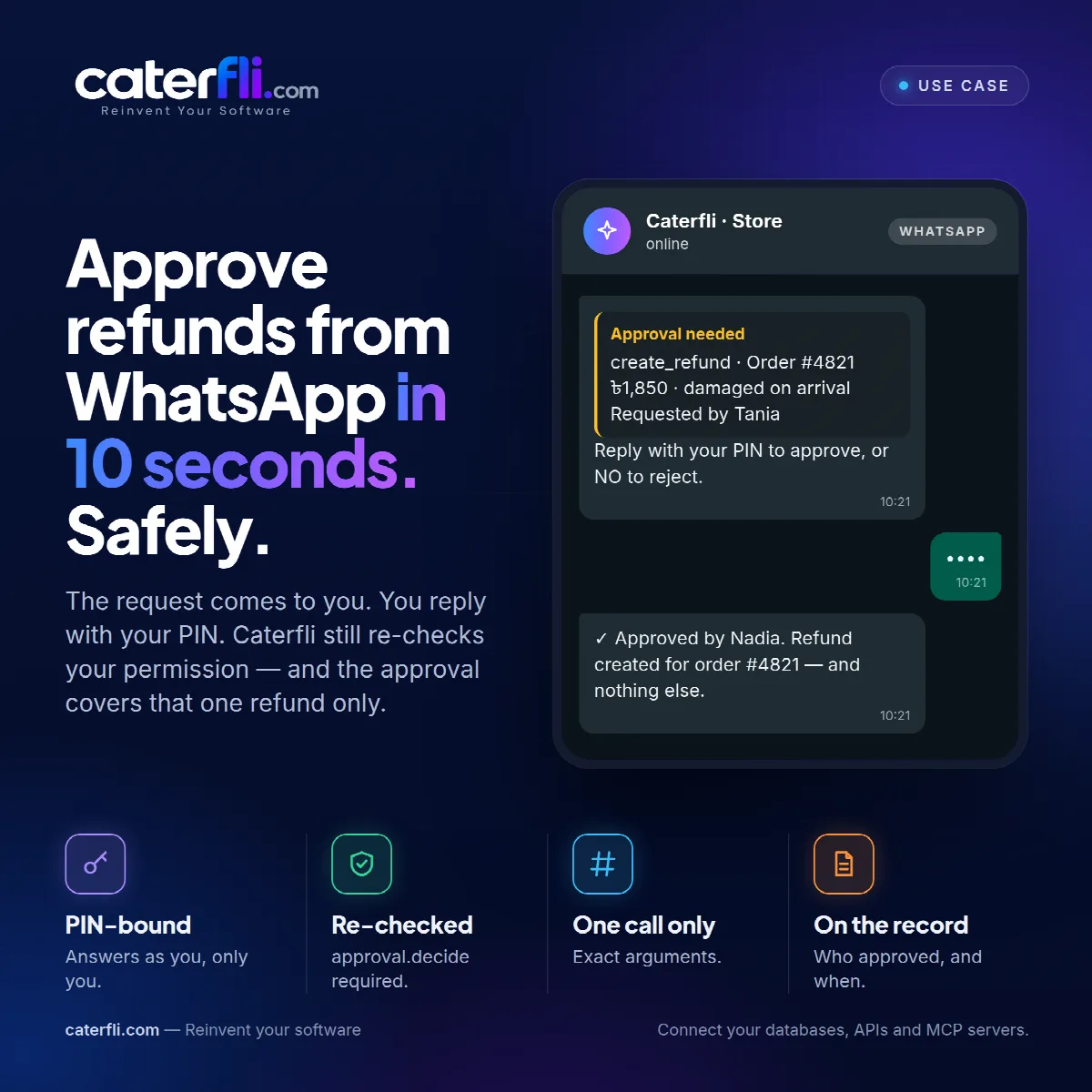
Nadia runs operations for a small online shop and spends most of the day away from a desk. A customer's parcel arrived damaged, the refund is ৳1,850, and the agent has paused it for approval. The question is whether that refund waits until she next opens a laptop, or gets decided from the phone already in her hand.
With chat approvals switched on, she replies with the word *approve* and her PIN, and the answer comes back: approved, running it now. What makes that safe is everything that had to be true before her reply counted.
A phone number is not a person
An approval is somebody taking responsibility. A WhatsApp number is not somebody, so the chain from message to decision is deliberately long:
- The number must be on the channel's allowed-senders list. That list starts empty, which means nobody.
- An operator must bind that number to a platform account. A new binding is created switched off, with no PIN, because adding someone to a list and handing them an authorisation are two separate decisions.
- A PIN must be set on the binding, which arms it.
- The PIN in the reply must match.
- The bound account must still hold
approval.decide, checked from scratch, exactly as it would be for someone pressing the button in the web panel.
Skip any one and the chat cannot decide. The run waits in the approval queue in the web panel instead.
What the PIN is, and is not
A PIN is four to eight digits, and it buys exactly one thing: the right to answer *as* a particular account. It carries no permissions of its own.
Digits, storage and wrong guesses
Runs like 1234 or repeated digits are refused. The PIN is stored hashed and is never shown back anywhere in the platform. A forgotten one is replaced, not read. Wrong guesses are counted against the binding, and after five by default the chat is locked out of approving for fifteen minutes. Every failed attempt is audited.
Tied to an account, not a role
If that account loses approval.decide, the PIN stops working for approvals. If the binding is pointed at a different account, the old PIN is cleared, so a secret somebody already knows cannot quietly start approving as someone more senior.
The approval covers that refund
Approving from WhatsApp is not a shortcut around the approval rules. It is the same decision, made from a different window. It authorises the call the agent paused on, with the arguments it paused with, once. The decision is bound to a fingerprint of those arguments. If the agent tried to run anything different afterwards, the approval would not match and the call would stop again. One approval. One call. Exact arguments. covers the mechanism.
If one turn is waiting on more than one call, the message lists each of them, and a single reply answers all of the ones listed.
Saying no
Rejecting takes a PIN too: *reject* followed by the PIN. A message with no clear decision is asked again rather than guessed at, and something like "don't approve this" is read as neither, so you are asked to say plainly which you mean. While the chat owes a decision, ordinary messages are held rather than passed to the agent. That keeps a PIN typed in the wrong place out of the transcript and out of the next prompt sent to the model.
On the record
The approval row records who decided and what. A separate audit entry records how: which channel, which sender, and the fact that a PIN stood in for a signed-in session. Someone asking weeks later whether Nadia really approved this can get an answer.
The web panel is still there. The decision just no longer has to wait for someone to open it. WhatsApp setup takes three values from the Meta dashboard.
0 comments
Sign in to join the discussion.